Android + Mac
Your Androidmeets your Mac.
Copy on one, paste on the other.Control your phone from your Mac.And your Mac from your phone.
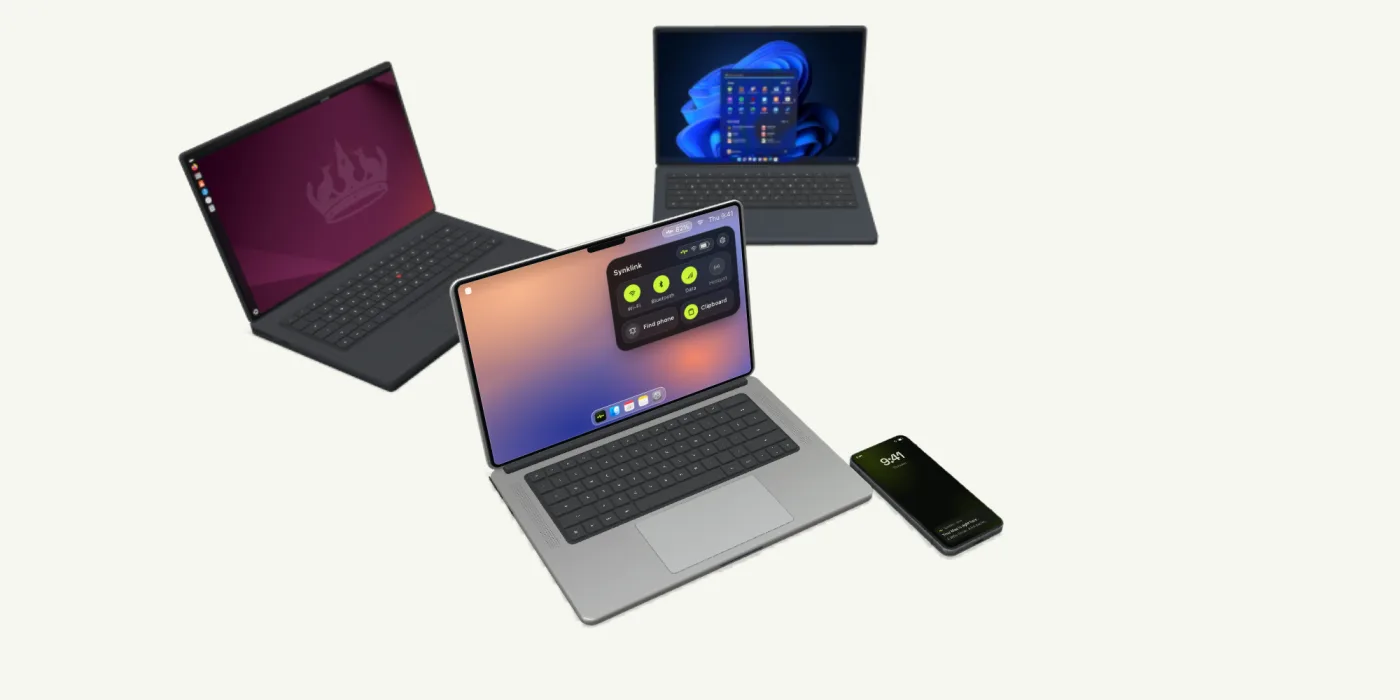
Your Androidmeets your Mac.
Copy on one, paste on the other.Control your phone from your Mac.And your Mac from your phone.
What Synklink does today
Small things, all day long.
Pair once
Scan a code. Stay paired.
Copy, paste, anywhere
Clipboard text moves between phone and Mac, both ways.
Every player, one place
Your phone’s players on the Mac. Your Mac’s music on the phone.
Links open on your Mac
Share a link on Android. It opens in your Mac’s browser.
Your phone, in the menu bar
Volume, brightness and ringer. Or hold ⌘ with the F-keys.
Your Mac, in your pocket
Volume, lock, sleep, and keep awake on a timer.
Find your phone
Can’t find your phone? Ring it from the Mac, even on silent.
Wi-Fi, with a backup
When Wi-Fi drops, Bluetooth keeps you linked.
From people using it
In their words.
Ratings sent from the apps, published only when the person asked us to.
Light on both devices
You’ll forget it’s running.
Synklink waits in the menu bar and in the background on your phone, and wakes up when the other device has something to say. Here is what that costs, measured on real devices.
On your Mac
- CPU
- 0.1%idle in the menu bar, paired
- memory
- 87 MBresident, after 7½ hours
- on disk
- 10 MBthe whole app
- battery
- 0.1energy impact, Activity Monitor’s scale
Read from Activity Monitor’s numbers (the top command): Synklink 0.1.79 on an Apple M2 Pro, 16 GB, macOS 26.6, paired to a phone and idle in the menu bar for 7½ hours.
On your phone
- CPU
- 0.0%in the background, paired
- memory
- 78 MBresident, after 9 hours
- on disk
- 5.4 MBthe whole app
- battery
- 0.4%of a day’s use, 9 hours paired
Read from Android’s own battery and memory accounting (dumpsys, over adb): Synklink 0.1.79 on a Samsung Galaxy S24 Ultra, Android 16, after 14 hours on battery with 8.9 of them paired in the background. Battery is the app’s share of the 3,446 mAh the phone used since its last full charge: 14.3 mAh.
How it works
Set up in a minute.
Meet on the same Wi-Fi.
Install Synklink on your Android and your Mac. Connect both to the same network.
Scan or enter. Check the digits.
Scan the QR code on your Mac, then check that both screens show the same digits.
Choose what you enable.
Turn on only the features you want. Android asks for each permission as you go.
What’s next
On the way.
OTPs, straight to your clipboard
A code arrives on the phone and is already on the Mac, ready to paste.
Notifications & replies
See phone notifications and send supported replies on Mac.
Share files
Send files and screenshots between devices.
Your phone’s files, on your Mac
Browse the phone’s storage from the Mac and pull what you need, no cable.
And much more, coming soon.
A few useful details
Before you connect.
Ready when
you are.
Today, your Android and your Mac. Tomorrow, more of what’s on your desk.
The download page shows the current Mac and Android apps.